
Lights & Coloramp Configuration
1. Controlling Light & Shadow Direction
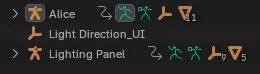
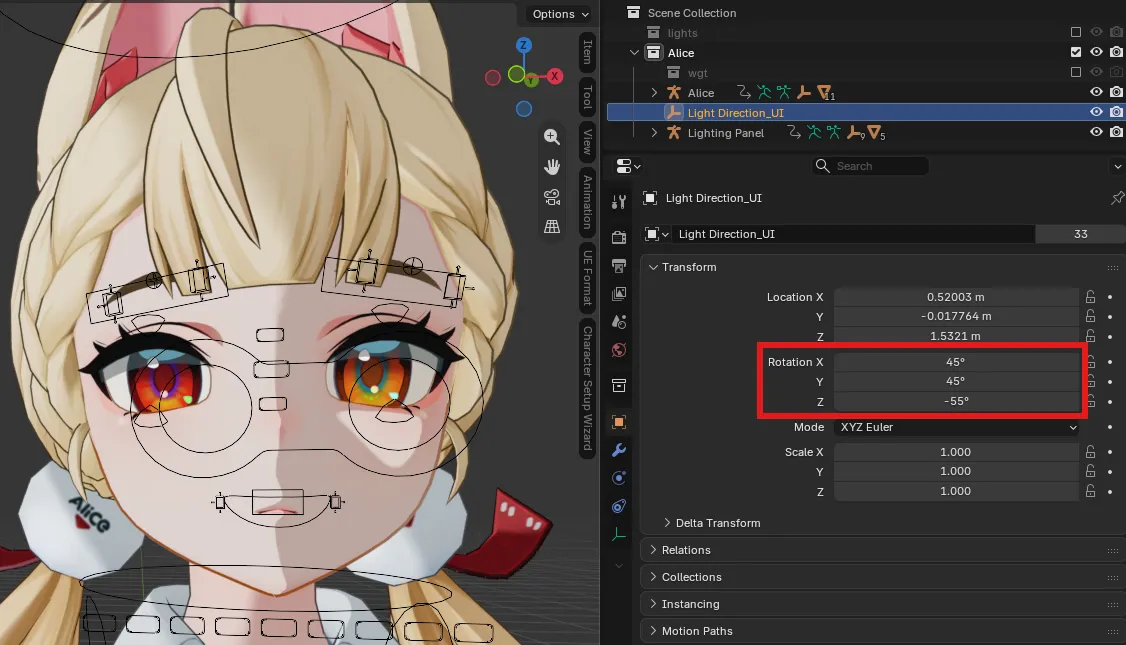
Section titled “1. Controlling Light & Shadow Direction”During character setup, a dedicated Light Direction_<Character> object is created in your scene collection.
- Locate
Light Direction_<Character>in the Outliner panel. - Open the Item Transform panel in Object Properties.
- Adjust the Rotation values (XYZ Euler) to rotate the light vector:
- Rotation Z: Rotates the sun angle horizontally around the character.
- Rotation Y: Adjusts the horizontal tilt of the light across the character.
- Rotation X: Adjusts the vertical pitch of the shadow line.
2. Kythera Shader: Character Settings (Item Panel)
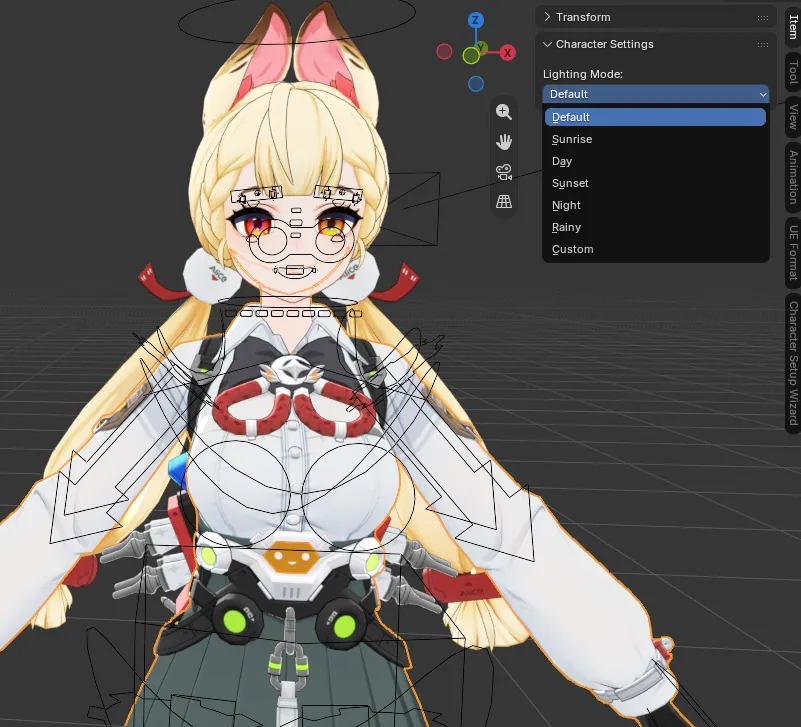
Section titled “2. Kythera Shader: Character Settings (Item Panel)”When using Kythera’s Shader, select your character and open the Item tab in the 3D Viewport sidebar (N key) to access real-time shader controls.
Lighting Modes & Presets
Section titled “Lighting Modes & Presets”Choose from preset lighting environments or switch to Custom mode:
- Default: Standard game look.
- Sunrise: Soft morning light with pastel shadows.
- Day: Crisp daytime illumination.
- Sunset: Warm golden hour tones.
- Night: Dim moonlight palette.
- Rainy: Diffuse overcast lighting.
- Custom: Unlocks granular control over tints, shadows, and rim light.
Shading & Tints (Custom Mode)
Section titled “Shading & Tints (Custom Mode)”When set to Custom, you can fine-tune:
- Ambient: Base ambient color tone.
- Lit Tint / Lit Brightness: Direct illumination color and brightness intensity.
- Shadow Tint / Shadow Intensity: Cel-shadow color tint and darkness depth.
- Fake SSS Intensity: Adjusts the soft Subsurface Scattering (SSS) falloff simulation across skin and fabric.
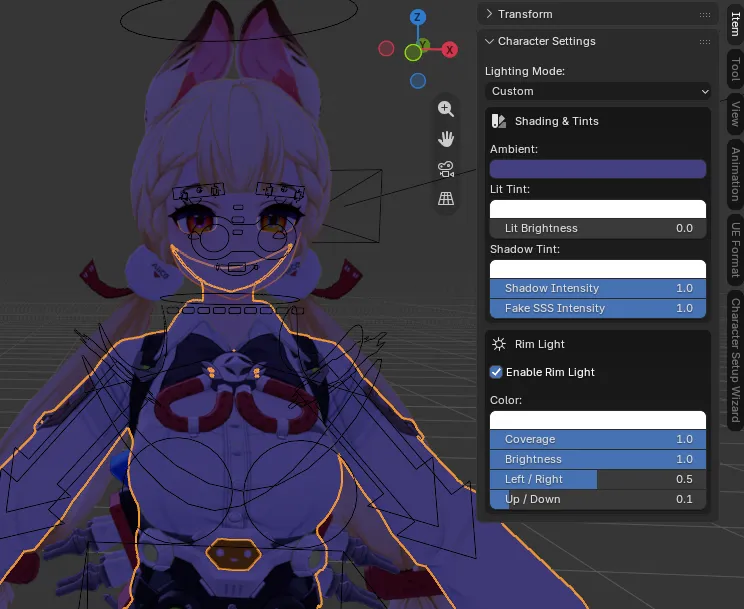
Rim Light Settings
Section titled “Rim Light Settings”Customize the edge highlight effect around your character:
- Enable Rim Light: Toggles the rim lighting effect.
- Color: Tint of the rim light glow.
- Coverage: How far the rim light extends across the mesh silhouettes.
- Brightness: Overall intensity of the rim light.
- Left / Right & Up / Down: Fine positional vectors to shift the highlight direction.
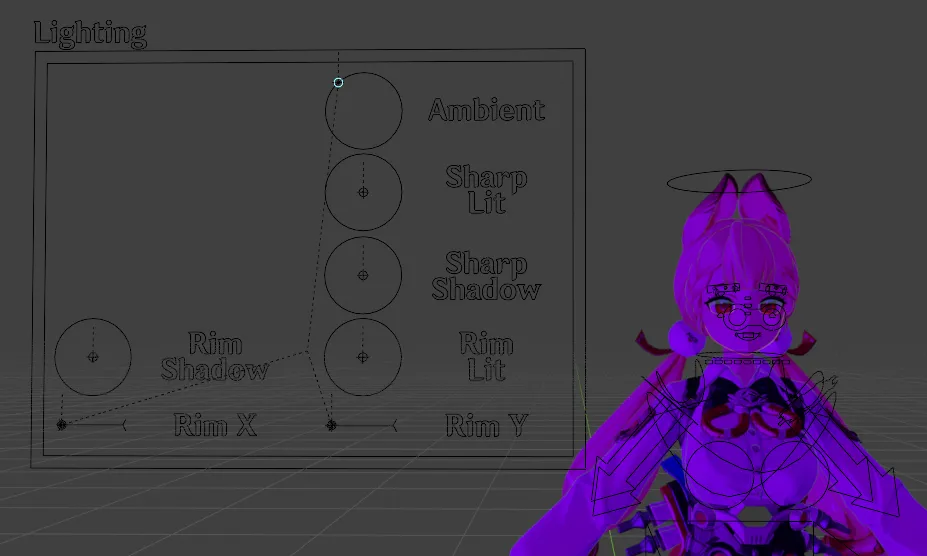
3. Legacy Shader: 3D Viewport Control Rig
Section titled “3. Legacy Shader: 3D Viewport Control Rig”When using the Legacy Shader, a 3D control board is generated in your viewport as a separate rig object.