

Honkai: Star Rail Rigging & Bone Collections
1. 3D Facial Expression Control Board & Isaac Face Rig
Section titled “1. 3D Facial Expression Control Board & Isaac Face Rig”Upon importing and setting up the character, the add-on configures two main rigs: the normal body rig and the secondary Isaac Face Rig placed near the head for controlling facial expressions.
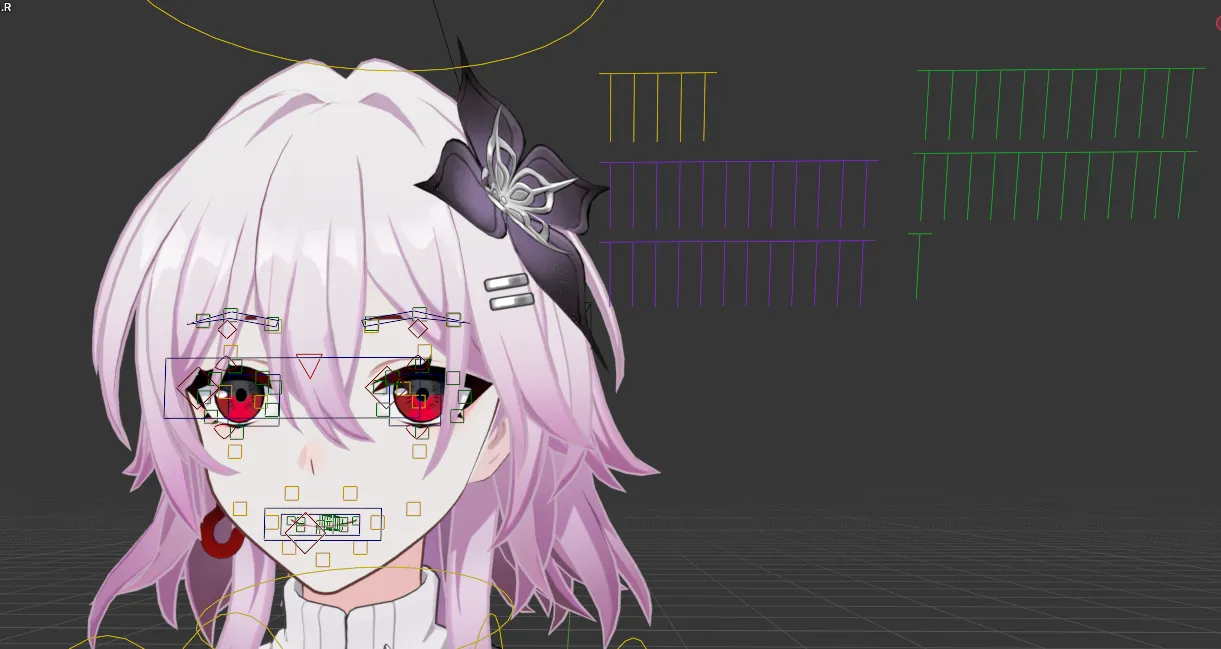
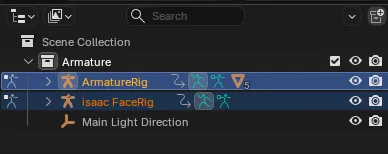
Facial Control Modes
Section titled “Facial Control Modes”- On-Face Manual Controls: The control widgets placed directly over the eyes, brows, and mouth allow you to manipulate individual facial expressions manually.
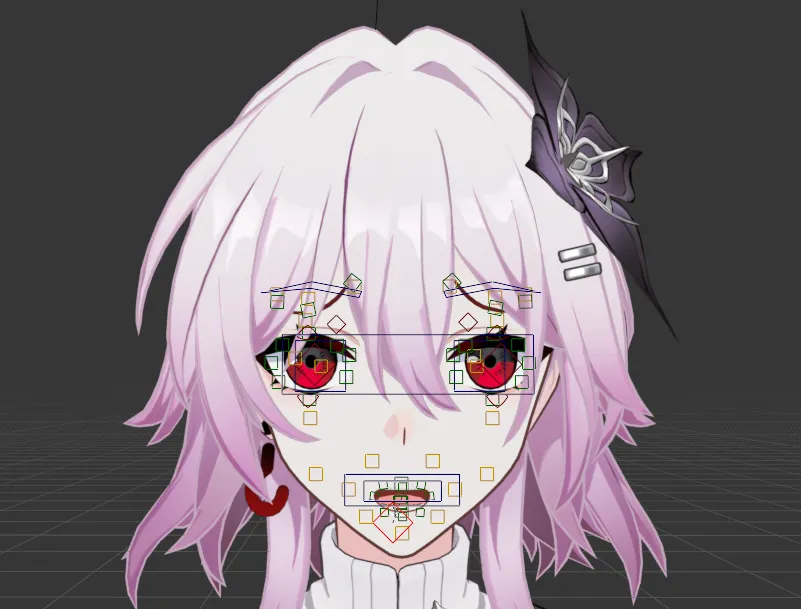
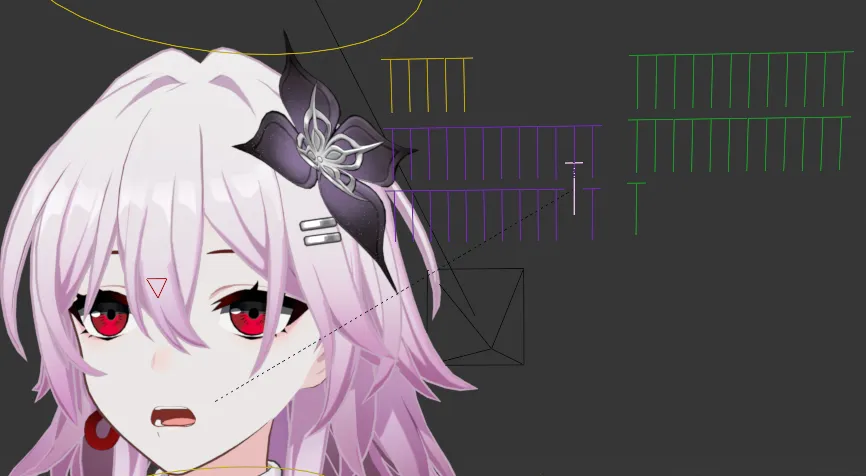
- Side Preset Shapekey Sliders: The sliders located on the sides of the head are used to easily trigger and blend the character’s built-in preset facial poses.
2. Bone Collections
Section titled “2. Bone Collections”Honkai: Star Rail character armatures are organized into structured groups within the Bone Collections tab (Blender 5.2+).
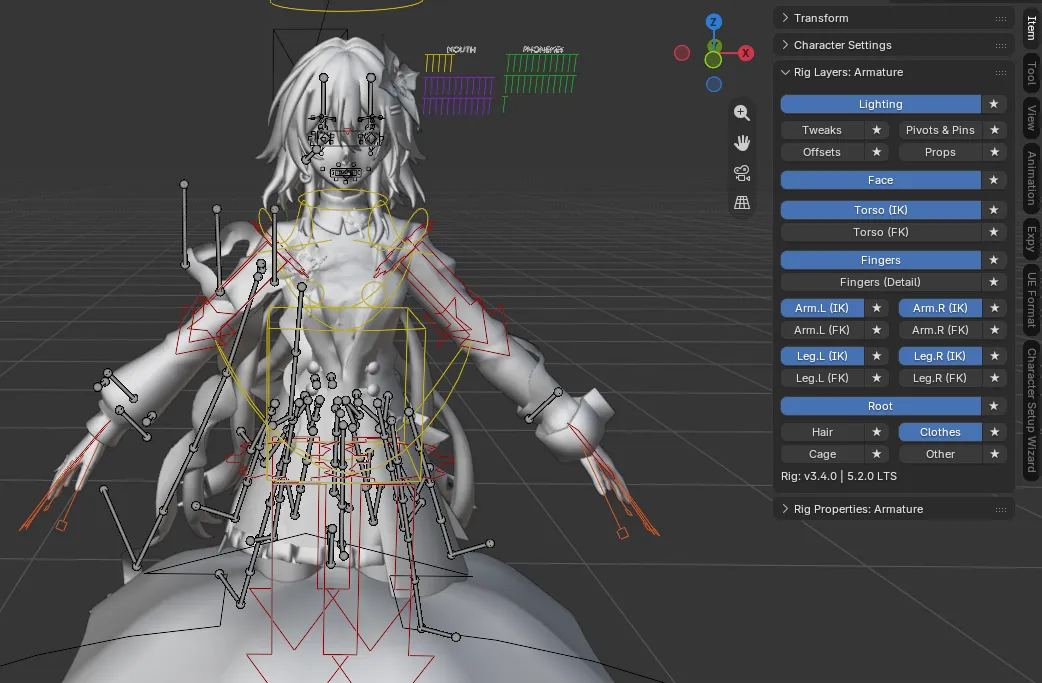
Bone Collections Overview
Section titled “Bone Collections Overview”- Face: Eyebrow, eye, eyelid, pupil, nose, and mouth controllers.
- Torso (IK / FK): Spine, chest, neck, and head handles.
- Arm.L / Arm.R (IK & FK): Left and right arm chains with individual IK target pins and pole targets.
- Leg.L / Leg.R (IK & FK): Left and right leg chains with foot roll and knee target controls.
- Fingers: Hand and finger bone controllers.
- Hair: Dynamic secondary bones for hair strands and pony tails.
- Clothes: Dynamic secondary bones for coats, skirts, capes, and tassels.
- Lighting: Vector handles and lighting controllers.