
Zenless Zone Zero Bugs & Solutions
Missing Eyeshadow Material
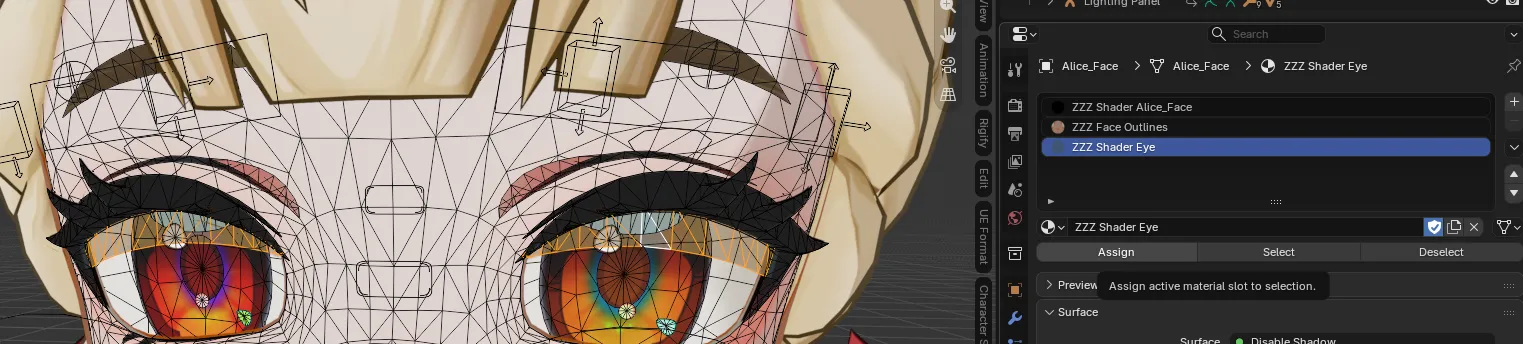
Section titled “Missing Eyeshadow Material”If your character is missing the eyeshadow material assignment:
Solution
Section titled “Solution”- Select the character’s face mesh and press
Tabto enter Edit Mode. - Hover over the eyeshadow geometry and press
Lto select the eyeshadow mesh components. - In the Material Properties tab, click the
+button to create a new material slot.
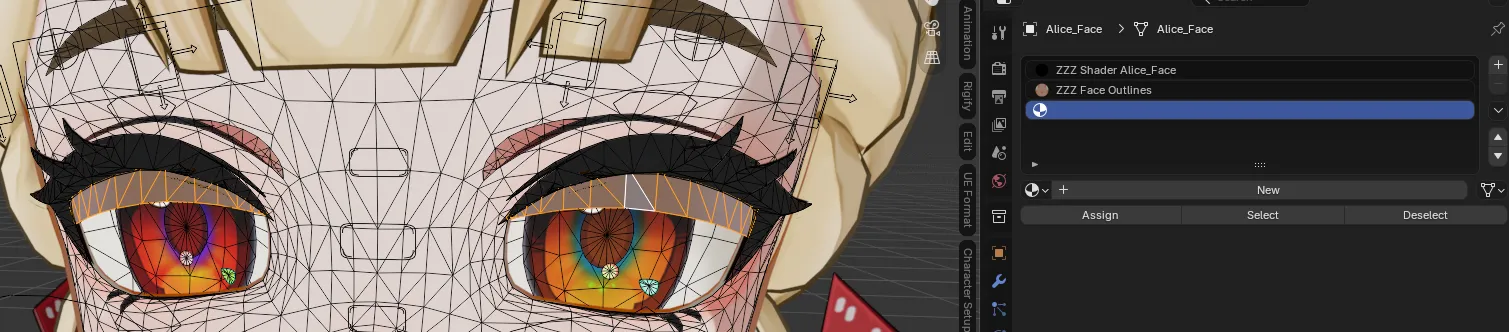
- Assign the ZZZ Shader Eye material to the newly created slot.
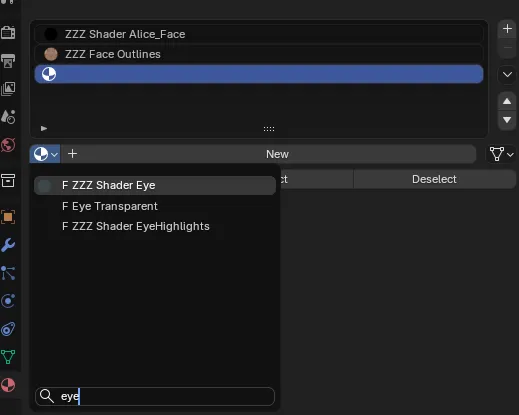
- Click the Assign button to apply the material to the selected eyeshadow mesh.